
Questions and answers
Short, practical answers — no jargon. Pick a question below and try one small change today.
What does “good posture” mean when I sit?
Your back keeps its natural curve, shoulders stay relaxed, and your head sits over your shoulders — not drooping toward the screen. You don’t need to sit like a statue; just return to this comfortable position often.
Should I keep my back perfectly straight?
No. Sitting ramrod straight usually creates tension. Use your chair’s back support, breathe normally, and change position or stand up every 20–30 minutes.
How often should I take a break?
About every 20–30 minutes works for many people: stand up for half a minute, roll your shoulders, and look away from the screen. Short breaks often help more than one long stretch at the end of the day.
What is the fastest chair adjustment to try?
Put your feet flat on the floor (or use a footrest), then set seat height so your knees are level with your hips. When your arms rest comfortably on the desk, your shoulders usually relax on their own.
Can stretches replace a good desk setup?
Stretches help, but they don’t fix a bad chair or a screen that’s too low. Adjust your desk first, then add a few minutes of movement during the day.
How do I know if my monitor is positioned well?
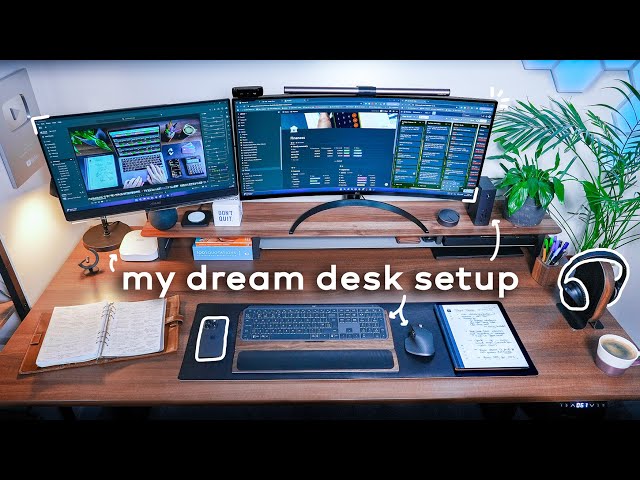
You should look at the screen without pushing your chin forward or bending your neck down. Raise or lower the monitor a little at a time until your neck feels easy and relaxed.
Read the setup guide, then try the desk stretches.